
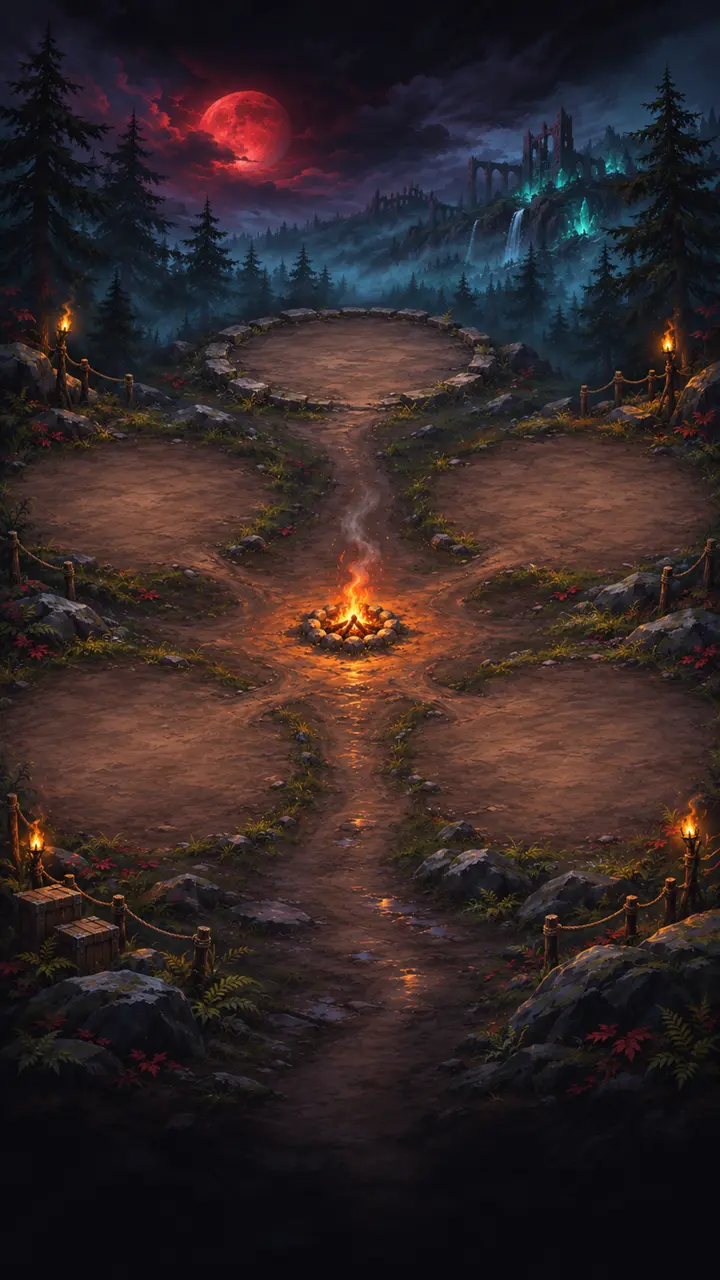
Beginner Guide
The boss shows up at 4:00. Your character attacks on its own; you move, pick upgrades and take down the boss. Here is the full path from creating a character to endgame.

How a Run Works
Name, class and base stats
When you create a character, first pick a name (2–12 characters, unique across the server; renaming later costs 100 Crystals), then a class, then roll 18 points of base stats (10 free rolls, and you can keep any result you rolled). Your base stats decide your permanent Birth Talents.
Stats and Birth TalentsPick a map and difficulty
Start at Mist Coast. Clearing a map unlocks the next one; on each map, clearing Normal unlocks Hard, and clearing Hard unlocks Nightmare.
See all 5 mapsExpedition: just move
Your character automatically attacks the nearest monster; all you do is move and dodge. Every monster attack is telegraphed with a warning line or circle first, so step aside when you see one.
ControlsCollect gems, pick 1 of 3
Defeated monsters drop EXP gems. Each time you level up in a run, pick 1 of 3 upgrades. Max out both prerequisite upgrades and a once-per-run Evolution appears.
Upgrades and EvolutionsBoss at 4:00
Survive until the boss appears at 4:00. Regular waves stop during the boss fight (the boss summons its own minions). If the boss isn't down 3 minutes after it appears, it enrages, and the run is forced to end 60 seconds later.
Boss fight rulesResults and chests
A map only counts as cleared when you actually defeat the boss. Defeat the boss: keep every Elite chest plus the Boss chest. Defeated: you keep only 50% of the run's Gold and EXP and get no Boss chest, but 100% of the Elite chests you picked up come back with you. Once your character hits Lv 60, every 2 extra EXP becomes 1 Gold. Only your first 60 runs each day give chest rewards; after that you get only Gold and EXP.
Chest drop ratesEnhance, craft and salvage in town
Use Enhance Scrolls to upgrade your gear; up to +4 always succeeds. Salvage unwanted gear into Scrap, then combine it with map materials to craft gear for a slot of your choice.
Enhance success ratesSpend talent points
Your character earns 1 talent point every 2 levels (30 points at Lv 60). Pick one branch of your class's talent tree to master; a Keystone talent needs 16 points in its branch first.
Talent treesJoin a party or Legion
Team up with friends or join a Legion: everyone's kills add up toward weekly goal rewards. To claim them, you must personally score at least 10,000 kills (about 8–10 runs) in that party or Legion this week. Legion weekly rewards and Legion level ranking rewards also go only to members who reach this threshold. Your count restarts at 0 if you switch parties or Legions.
Parties and LegionsDaily quests and level milestones
New quests arrive every day at 00:00 Taiwan time; finish them all for the Full Clear Bonus. Your character also gets a big reward at Lv 50, 55, 60.
Daily quests and milestones
Controls
Play one-handed in portrait mode on your phone: touch and drag anywhere on the screen as a virtual joystick, and let go to stop. On mobile the hotbar sits at the top of the battle screen; on PC it is at the bottom center. Tap a slot to drink a potion, dodge or transform. During battle a "Skill Lv" EXP bar also shows your skill level for the current run.
| Key | Action |
|---|---|
| W A S D / Arrow keys | Move (mobile: touch and drag anywhere on the screen as a joystick) |
| Space | Dodge roll: 0.3s invincible, 120 distance, 3s cooldown |
| Q | Transform (needs a full 100 energy) |
| F5 | Drink a potion |
| 1–8 | Hotbar, customizable in Settings. Default: 1 Ember Potion, 2 Blood Moon Potion, 3 Abyss Potion, 4 Dodge, 5 Transform, 6 Swap Weapon |
| Esc | Pause |
Potions
Carry up to 5 of each kind, bought with Gold. Before an expedition you can set up auto-drink: it drinks when your HP drops below 30% or 50%, starting with either the small or the large potion, at least 3s apart. New characters start with Ember Potion ×2, Blood Moon Potion ×1, Abyss Potion ×0.
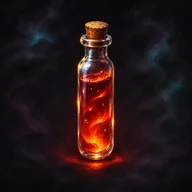 Ember PotionRestores 25% HP · 20 Gold
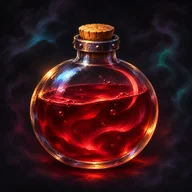 Blood Moon PotionRestores 45% HP · 60 Gold
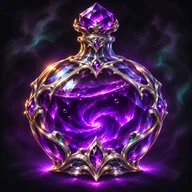 Abyss PotionRestores 75% HP · 180 Gold
Pick 1 of 3 Upgrades and Evolutions
Collect EXP gems to raise your run level, and pick 1 of 3 upgrades every level (this resets each run). Once both prerequisite upgrades are maxed, your next level-up always offers an Evolution, which you can take only once per run. The full upgrade list for each class is on the Classes page.
| Lv1 | Lv2 | Lv3 | Lv4 | Lv5 | Lv6 | Lv7 | Lv8 | Lv9 | Lv10 |
|---|---|---|---|---|---|---|---|---|---|
| 7 | 12 | 17 | 24 | 31 | 38 | 46 | 54 | 63 | 72 |
| Lv11 | Lv12 | Lv13 | Lv14 | Lv15 | Lv16 | Lv17 | Lv18 | Lv19 | Lv20 |
|---|---|---|---|---|---|---|---|---|---|
| 82 | 92 | 102 | 113 | 124 | 135 | 147 | 158 | 171 | 183 |
Source: built-in game values, calculated directly by the game code when the site is built and kept in sync with the game version (updated 2026-11-26).
Cover Buffs
Rocks and bone piles on the battlefield block both you and monsters, and they also stop monster projectiles. 30s into the run, and every 45s after that, a random piece of cover starts glowing. Touch it within 20s to get a buff (timed buffs last 10s).
 Life SpringInstantly restore 20% HPInstant
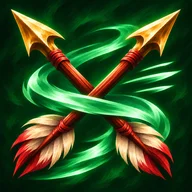 GaleAttack Speed +25%
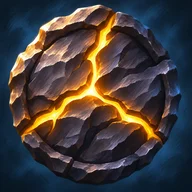 StoneskinDamage taken −25%
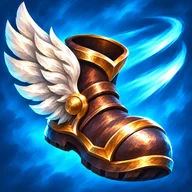 FeatherfootMove Speed +30%
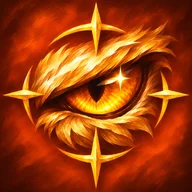 HawkeyeCrit Rate +15%
 MagnetPulls in all EXP on the fieldInstant
Source: built-in game values, calculated directly by the game code when the site is built and kept in sync with the game version (updated 2026-11-26).
Boss Fight
At 4:00 the boss appears, its HP bar shows at the top of the screen, and regular monsters stop spawning. Every boss charges at you and also has one signature spell, always telegraphed before it hits. If it isn't down within 3 minutes, it enrages: spell cooldowns are halved and it casts more of them.
Difficulty
| Difficulty | Monster HP | Monster damage | Gold / EXP | Grade up |
|---|---|---|---|---|
| Normal | ×1 | ×1 | ×1 / ×1 | 0% |
| Hard | ×1.8 | ×1.4 | ×1.5 / ×1.5 | 25% |
| Nightmare | ×3 | ×2 | ×2 / ×2 | 50% |
Grade up: the chance for each piece of gear to drop one grade higher (up to Legendary). Scroll drop rates are also multiplied by the difficulty multiplier (capped at 95% each).
Getting In and the Queue
- The number of players online at once is capped. When the game is full, players queue in order of arrival, and the queue screen shows your place in line and the estimated wait. The cap is adjusted by the operators based on server conditions.
- You enter the game automatically when it is your turn, with nothing to tap. If your screen isn't open when your turn comes, your slot is held for only 3 minutes before it goes to the next player.
- Keep the screen open while you queue. If you switch to another app or close the screen for more than 3 minutes, you lose your place in line.
- Once you are in, closing the game, switching to another app or losing connection for more than 10 minutes frees your slot for players in the queue. You won't be removed while the game is open, including mid-battle.
- If there is a free slot and nobody is waiting, you go straight in.
Source: built-in game values, calculated directly by the game code when the site is built and kept in sync with the game version (updated 2026-11-26).
Beginner FAQ
How long is a run?
On regular maps, survive until the boss appears at 4:00; the run ends once you defeat it. If the boss isn't down 3 minutes after it appears, it enrages, and the run ends by 8:00 at the latest.
What do I lose when I die?
You keep only 50% of the run's Gold and EXP and get no Boss chest, but every Elite chest you picked up comes back with you, and you never lose gear.
What happens when my bag is full?
Your bag holds 120 items (equipped gear doesn't count), and each expansion adds +10 slots. When it's full, new gear drops are automatically converted to Gold (except Contract Scrolls, which still go into your bag).
How do I know about maintenance or events?
Important announcements scroll across the top of the town and battle screens, such as upcoming maintenance times. When you see one, finish your current run first.
Why do I have to queue?
The number of players online at once is capped. When the game is full, players queue in order of arrival; the screen shows your place in line and the estimated wait, and you enter automatically when it is your turn. The cap is adjusted by the operators based on server conditions.
Do monsters get tougher?
Yes. Within a run, monster HP rises 35% every minute, and Hard and Nightmare multiply that further, so you need upgrades and gear to hold out in the second half.